> ## Documentation Index
> Fetch the complete documentation index at: https://docs.voker.ai/llms.txt
> Use this file to discover all available pages before exploring further.
# Agent Analytics
> Top level analysis on sessions with drilldowns to understand and debug your agents.
## Overview
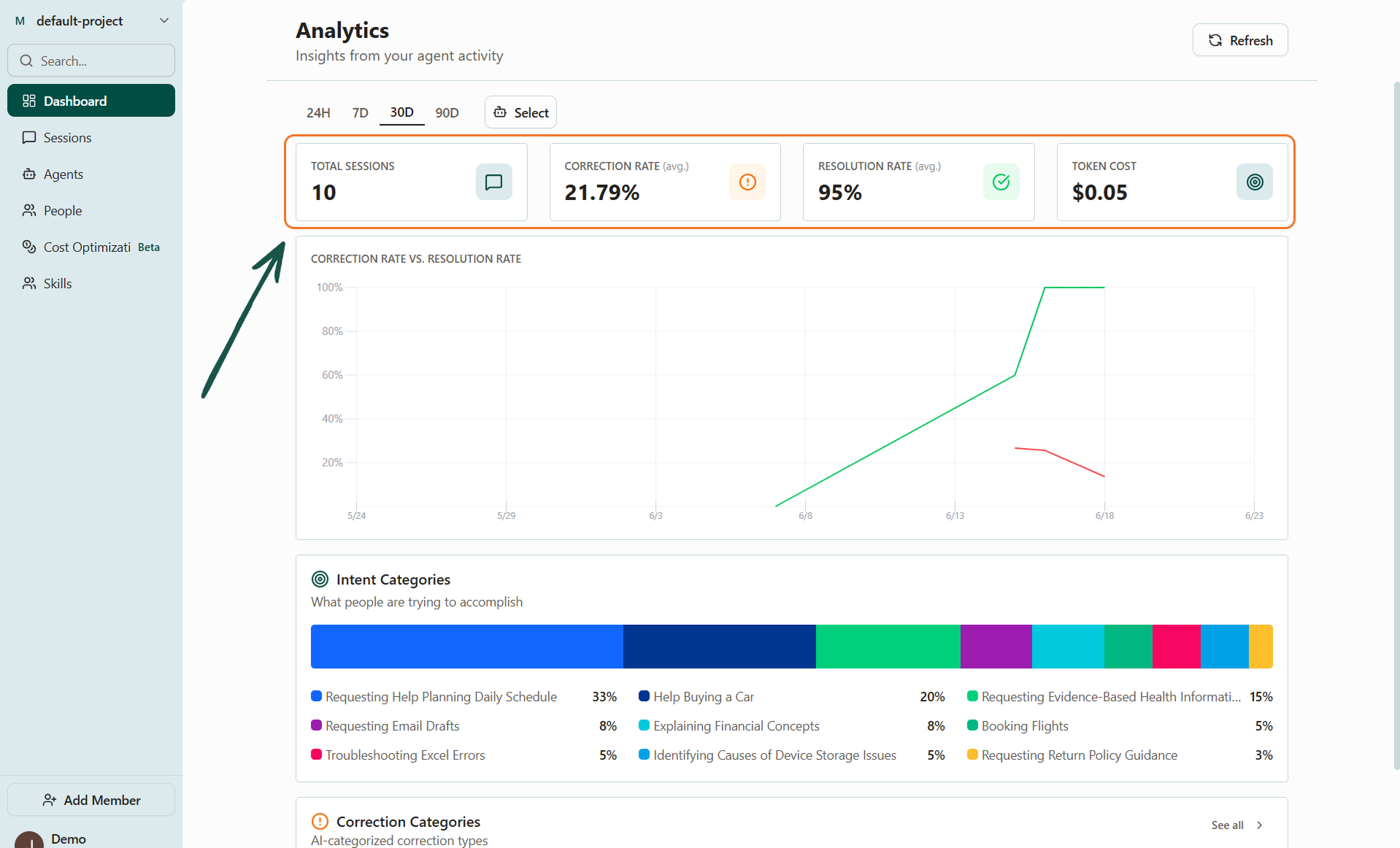
The dashboard is your starting point for understanding how your agents are performing. It surfaces session volume, resolution rates, token usage, and cost across the agents in your project.
From here, you can view individual sessions to debug and understand how your users are interacting with agents.
## Dashboard
### What you'll see
* **Session volume** — how many sessions ran over the selected period.
* **Resolution rates** — how often agents resolved a given user intent in a session.
* **Correction rates** - how often users had to correct an agent in a session (i.e. 'that's not the right date')
* **Token cost** — llm token cost broken down by selected agent across selected date range.
 ### Filters
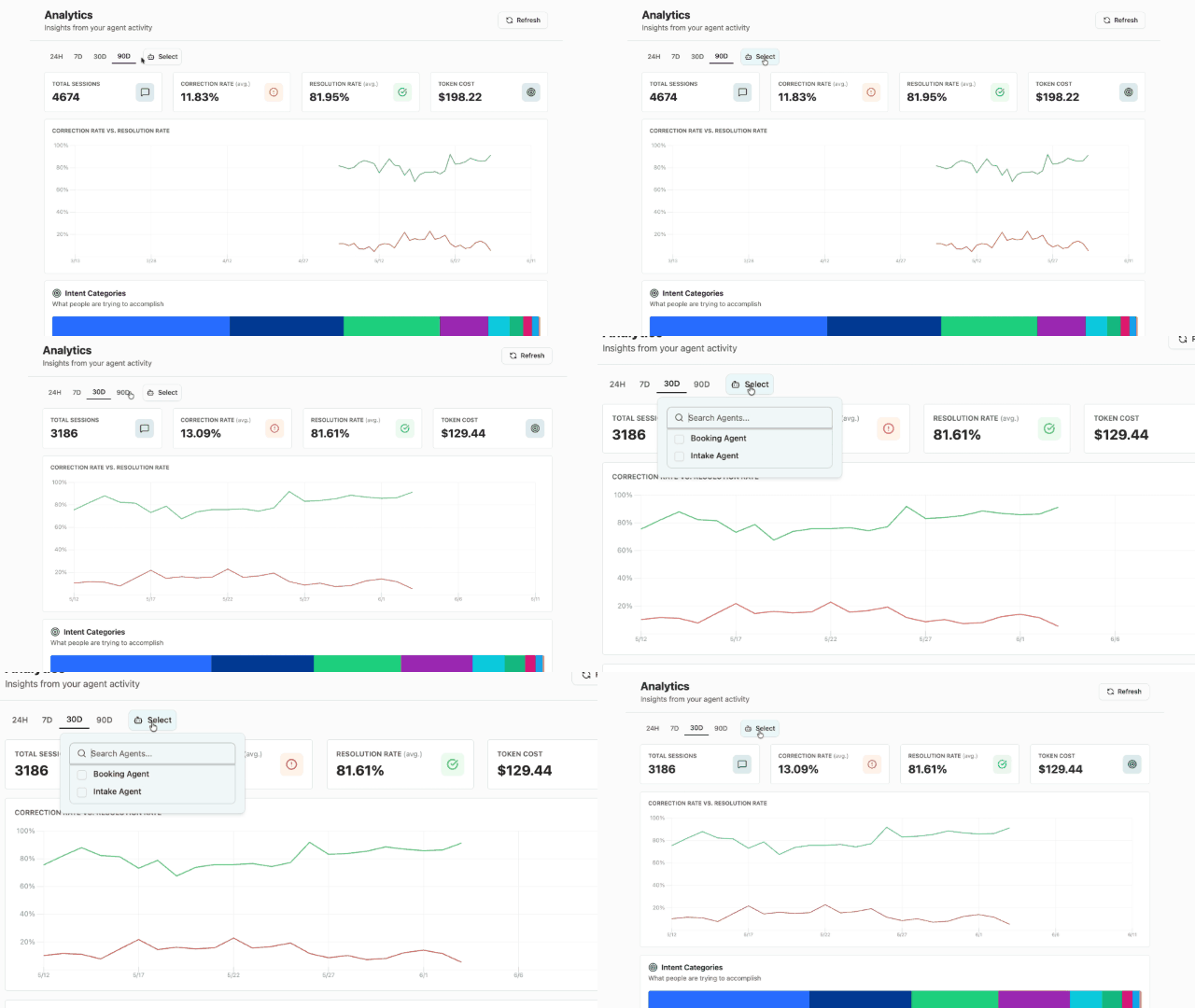
Use the time period and agent filters at the top of the dashboard to narrow the view only to what you want to see.
### Filters
Use the time period and agent filters at the top of the dashboard to narrow the view only to what you want to see.
 ## Up next
* [Categorization](/platform/categorizations) — User intents need categorizations at the aggregate level. Same with corrections. Get there from the Dashboard, Sessions, or the Agent pages.
## Up next
* [Categorization](/platform/categorizations) — User intents need categorizations at the aggregate level. Same with corrections. Get there from the Dashboard, Sessions, or the Agent pages.